Run your practice, from anywhere

Manage your schedule, clients, notes, and payments from anywhere with the ClinicSense mobile app.

ClinicSense apple app storeClinicsense google play store
Blurred background photo a treatment lobby

See your day, from anywhere

ClinicSense app screens showing appointment details, calendar timeline, and appointment details
Blurred background photo of a practitioner and client talking indoors.

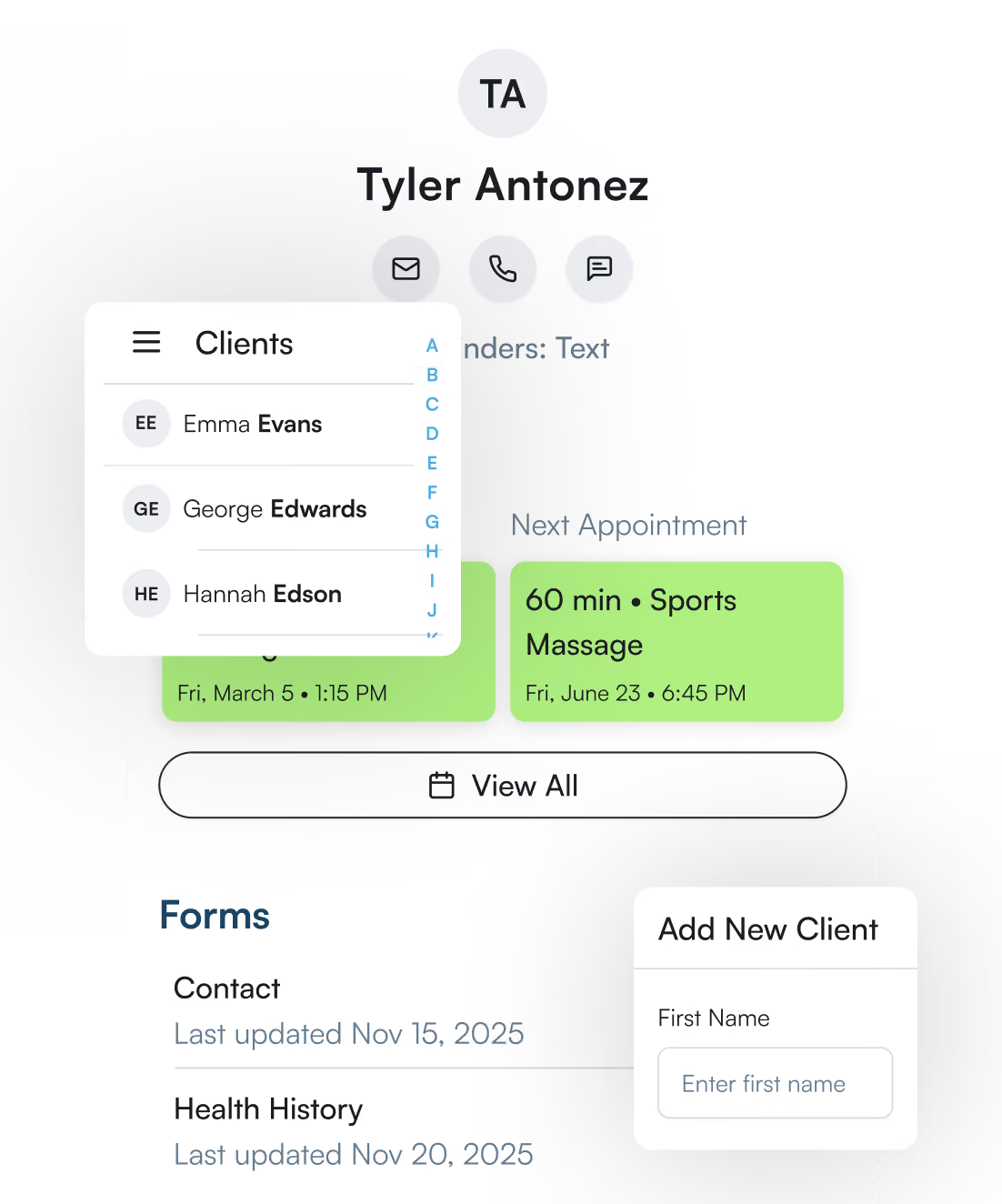
Client info, always on hand

ClinicSense app client profile with contact options, upcoming appointment, and form status.
Blurred background photo of hands near a contactless card payment terminal.

Payments, handled on the go

ClinicSense app invoice marked paid in full with an email confirmation dialog.
Blurred background photo of a smiling woman holding a phone in a clinic setting.

Get work done from anywhere

ClinicSense app body diagram tool for tagging and drawing treatment notes on a skeleton illustration.
Blurred background photo of a laptop resting on a couch cushion.

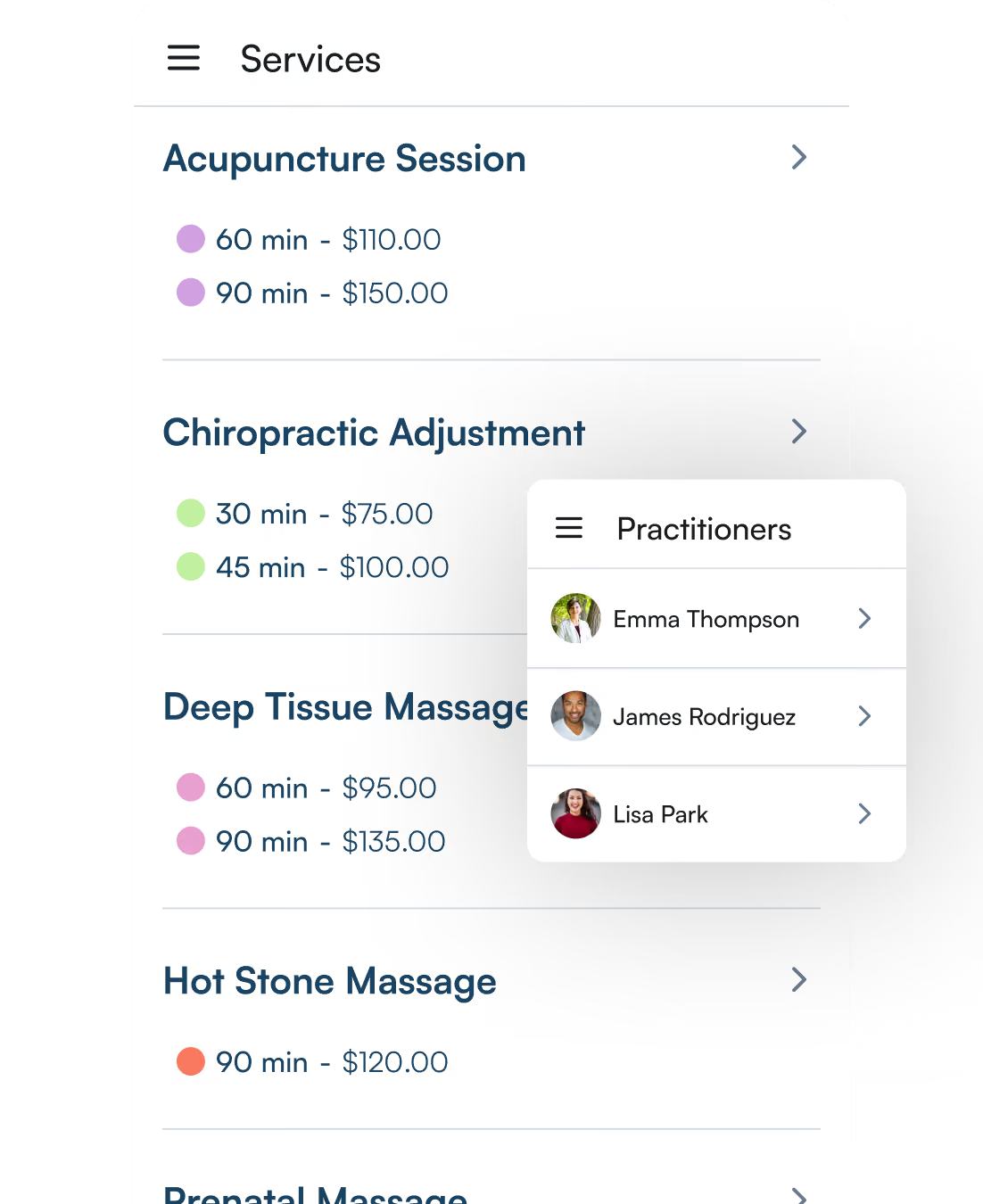
Your team and services, managed

ClinicSense app services list with pricing and a practitioners selection menu.
Teal-to-blue gradient background for a ClinicSense Google Play Store screenshot.

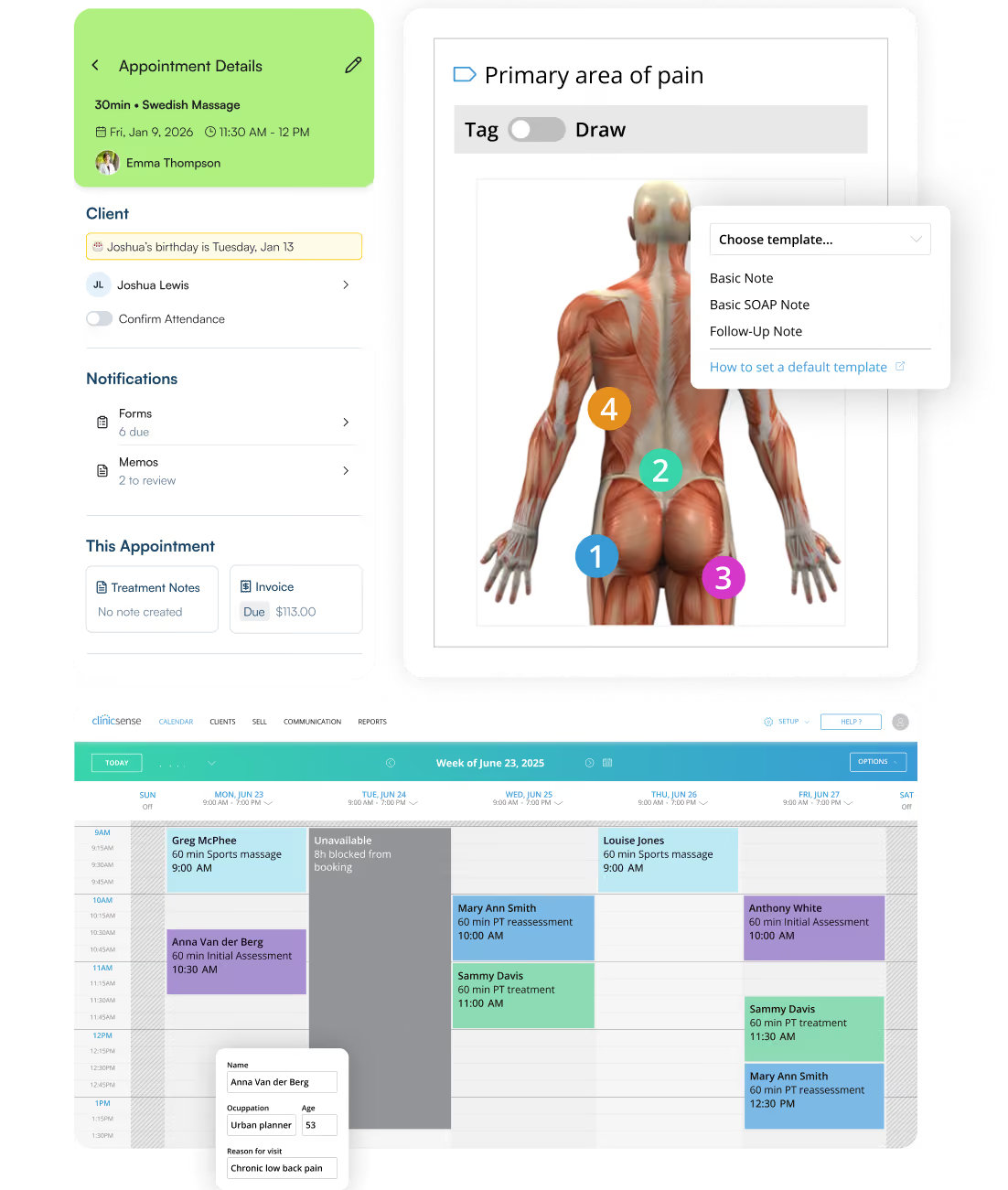
One account, available across all your devices

ClinicSense app screens showing appointment details, a pain-area body diagram, and a weekly staff calendar.

FAQs

What is the ClinicSense App?

How do I use the ClinicSense App?

Is the ClinicSense App included with my subscription?

Can I book appointments with the ClinicSense App?

Does the ClinicSense App work on iPhone and Android?

Is client information secure in the ClinicSense App?

Are you HIPAA compliant?

Can my staff use the ClinicSense App too?

Do I need a website to use ClinicSense?

A better way to run your practice.

ClinicSense apple app storeClinicsense google play store