Comparing clinic management software, how to choose the right one

There's no shortage of options. but most aren't built for health and wellness practitioners. This guide helps you cut through the noise of comparing clinic management software and find something that actually fits how you work.

Find the right fit
Clinic management software
Explore your options
Find the right fit
Clinic management software
Find the right fit
Clinic management software
Explore your options
Find the right fit
Clinic management software
Side-by-side comparison

Top clinic management software

A quick look at the key features across the top platforms in health and wellness clinic management.


Five circles arranged in a curved line with the middle circle gray and the others in varying shades of blue.
Clinicsense
White cursive text 'Jane' on a turquoise trapezoid background.
Jane
Abstract location pin icon with a central dot and curved shapes in turquoise and dark gray.
MassageBook
Stylized red letter V with a dot inside the lower right segment.
Vagaro
Abstract icon of three people representing a team or group collaboration.
Cliniko
Orange ring with a white center containing a pale orange semicircle tilted inside.
Noterro
Gradient blue to green capital letter Z with a small solid red circle above its top right corner.
Zenoti
Built for solo practitioners
-
Built for single location clinics
Built for multi-location clinics
-
Built for outcall / mobile services
-
(Integration required)
-
Built for telehealth/online services
-
-
Features + Functionality
Online booking
Post-appointment cleanup/buffer time option
-
Practitioner availability / break time scheduling
Customizable calendar color-coding
Appointment reminders (email + SMS)
No-show + cancellation policies
Wait list
Block list
-
Customizable intake + consent forms
Customizable SOAP notes + charting templates
-
SOAP note short codes
-
-
-
-
-
Payment processing, invoicing + receipts
Square + Square Terminal integration
-
-
-
-
-
Direct insurance billing
(Canada 0nly)
-
-
-
-
Financial reporting
Digital gift cards / certificates
Packages
-
Memberships
-
-
Service add-ons
-
-
-
-
Sell products / Inventory
-
-
Google review generation
(Select plans onlly)
-
-
Facebook + Instagram booking
-
(Facebook only)
-
Email newsletters + marketing toolkit
-
-
-
Availability summary emails
-
-
-
-
-
-
Automated client rebooking
-
Client birthday emails
-
Client referral tools
-
-
Compliance + support
HIPPA / PIPEDA compliant
Online marketplace / Business directory listing
-
-
-
-
-
Mobile app
-
-
-
Free data migration / migration support
(Higher tier plans only)
-
-
-
Free account audits
-
-
-
-
-
Support by email, phone, chat
-
Quick to set up and get started
-
-
-
-
Easy to use / low learning curve
-
-
-
-
Free trial (no credit card required)
-
-
Buyer's guide

7 things to look for when choosing clinic management software

Most comparison sites give you feature lists. This guide focuses on what those features actually mean for your day-to-day, and the trade-offs worth thinking through before you commit.

Is it built for your discipline or just adapted for it?

Generic platforms try to serve everyone from dentists to yoga studios. That breadth usually means you end up with a lot of complexity and features that weren't designed with your workflow in mind. It's worth asking: is this software used primarily by practitioners like me, and does that show in how it's built?

Diagram of a human muscular back with numbered pain areas: 1 on right upper back for sharp buttock pain, 2 on left lower back for radiating lumbar spine pain, 3 on lower back center for radiating thigh pain, and 4 on right hip for mild pain when walking.
Clinical documentation like SOAP notes should be a core feature in every plan, not a premium add-on.
Intake forms designed for wellness practices save setup time and feel professional to your clients.
Look at a platform's existing customer base. It tells you how the product will evolve, and whether those improvements will actually be relevant to you.

Does the pricing model grow with you fairly?

A price that looks reasonable when it's just you can compound quickly once you bring someone on. Before you compare platforms, model your actual cost at the team size you're planning for, not just month one.
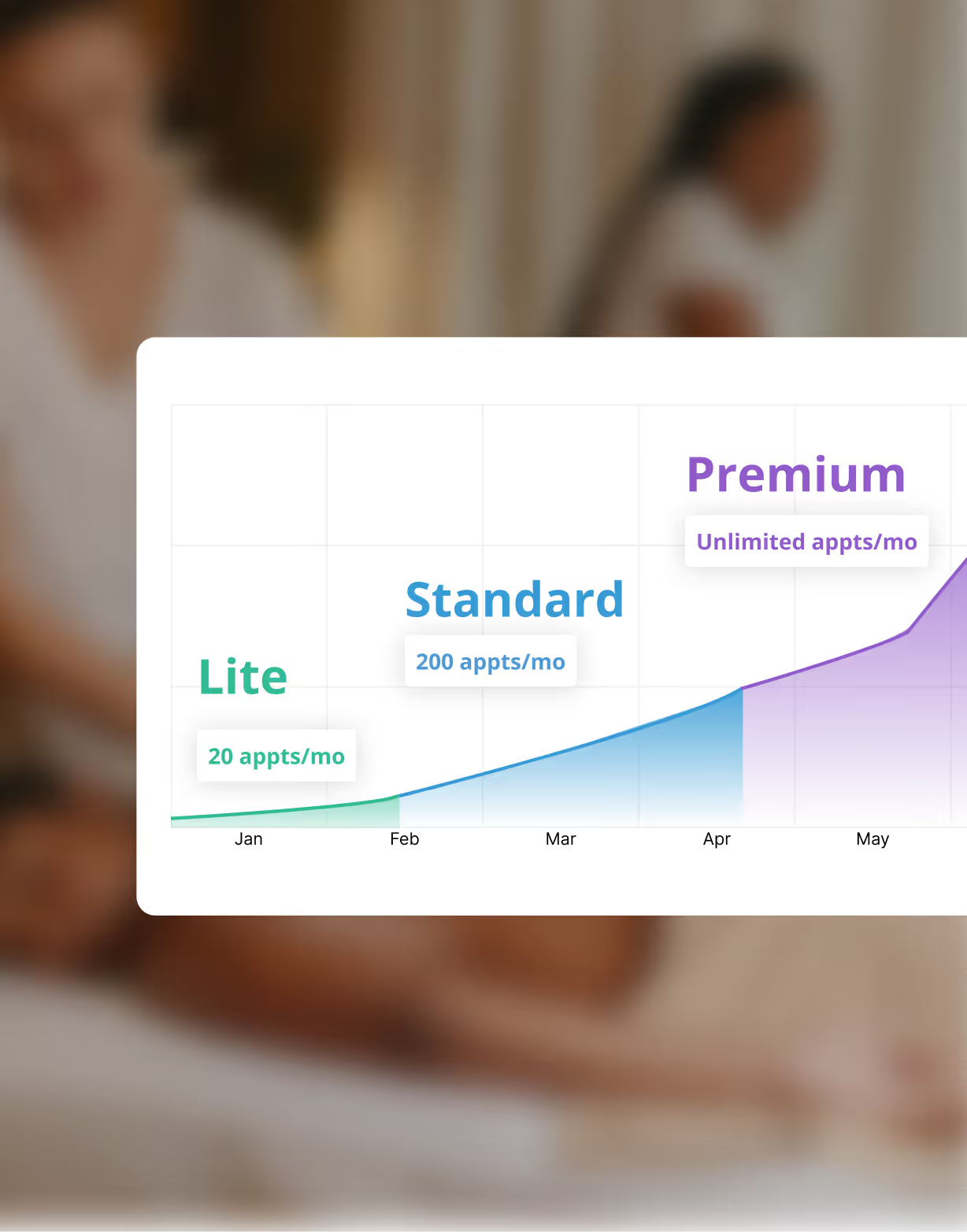
Per-practitioner fees are common. Run the numbers at your expected team size before deciding.
Transaction fees on payments can quietly eat into your revenue. Check whether they apply, and how much.
Features locked behind higher tiers make a low base price misleading. Know exactly what's included at the plan you'd actually be on.
Chart showing growth in appointments per month across three plans: Lite with 20 appts/mo, Standard with 200 appts/mo, and Premium with unlimited appts/mo from January to May.

How good is the booking experience for your clients?

Your booking page is often the first interaction a new client has with your practice. A clunky or confusing flow creates friction before they've even walked through the door, and on mobile, that friction often means they don't come back.
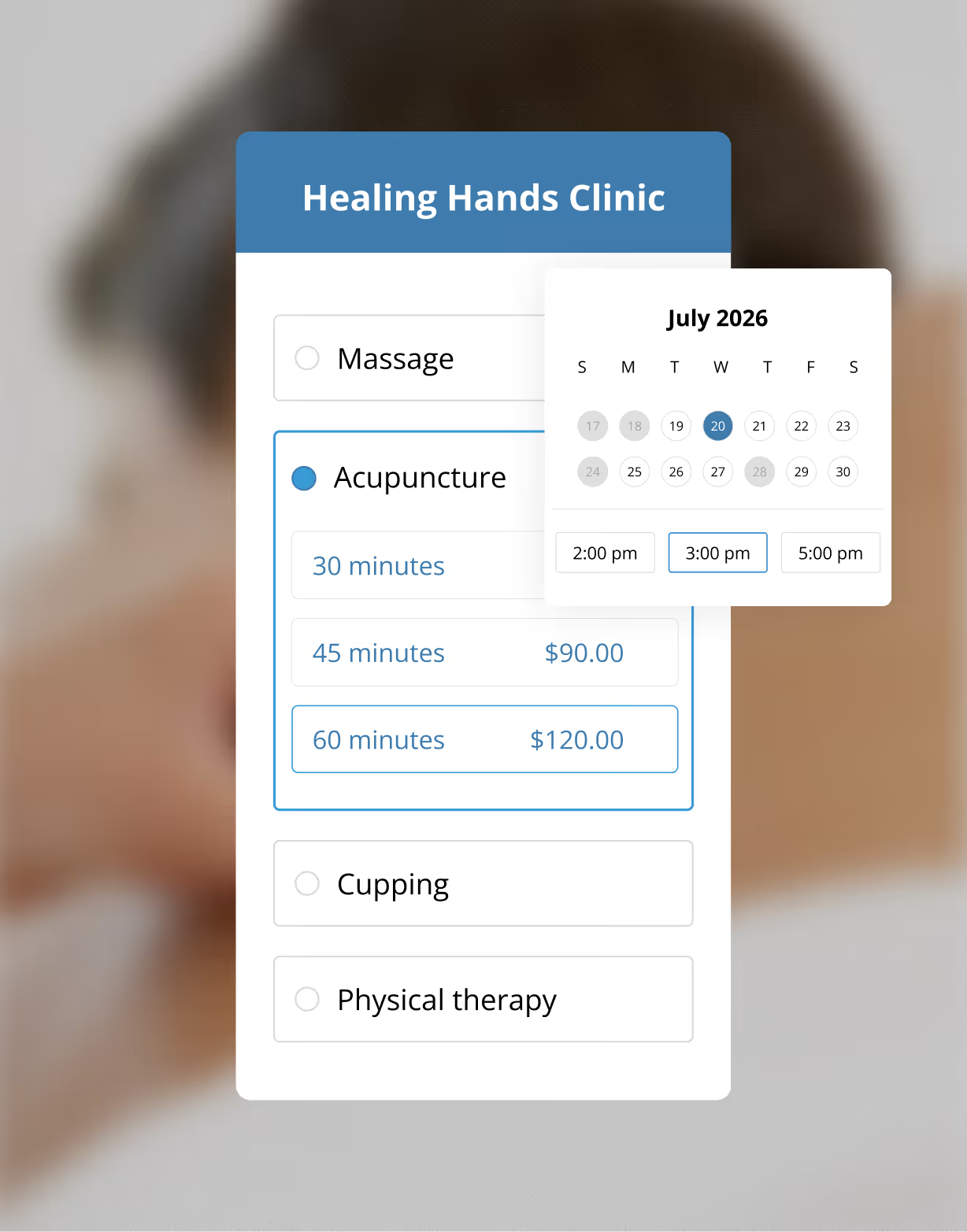
Healing Hands Clinic appointment booking form showing Acupuncture selected with options for 30, 45 ($90), and 60 minutes ($120), with a calendar for July 2026 highlighting the 20th and 3:00 pm time selected.
Clients shouldn't need to create an account just to book. Forced sign-ups increase drop-off, especially on mobile.
Look for Instagram and Google booking integrations. Clients should be able to book from wherever they find you.
A booking page that matches your brand feels like an extension of your practice. A generic third-party page feels like a detour.

Will it actually reduce your admin time?

The three features that tend to have the biggest impact on admin time are appointment reminders, pre-appointment intake forms, and rebooking prompts. Together, they can give you several hours back every week, all without you having to think about any of it.
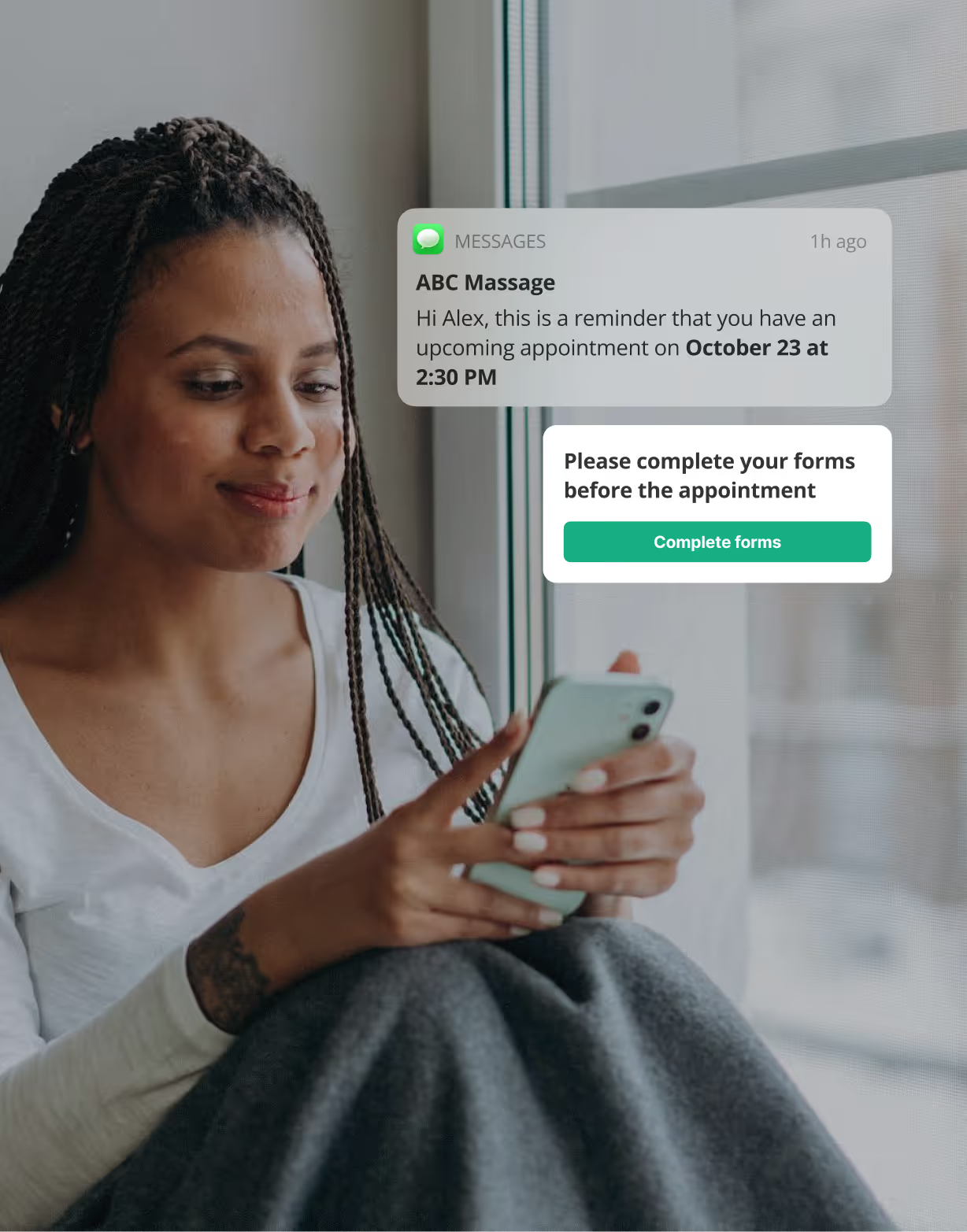
Automated reminders via email and SMS. Some platforms charge extra for SMS. It's worth checking before you commit.
Digital intake forms sent automatically before a first appointment. No clipboard. No chasing.
Rebooking prompts that go out after appointments keep your calendar full without any manual follow-up.
Woman sitting by a window looking at her phone with a massage appointment reminder and a prompt to complete forms before the appointment.

Does it give you meaningful visibility into your business?

Good decisions come from understanding what's actually happening in your practice. Useful reporting shouldn't require a spreadsheet. Instead, it should give you a clear picture you can act on, without having to dig for it.
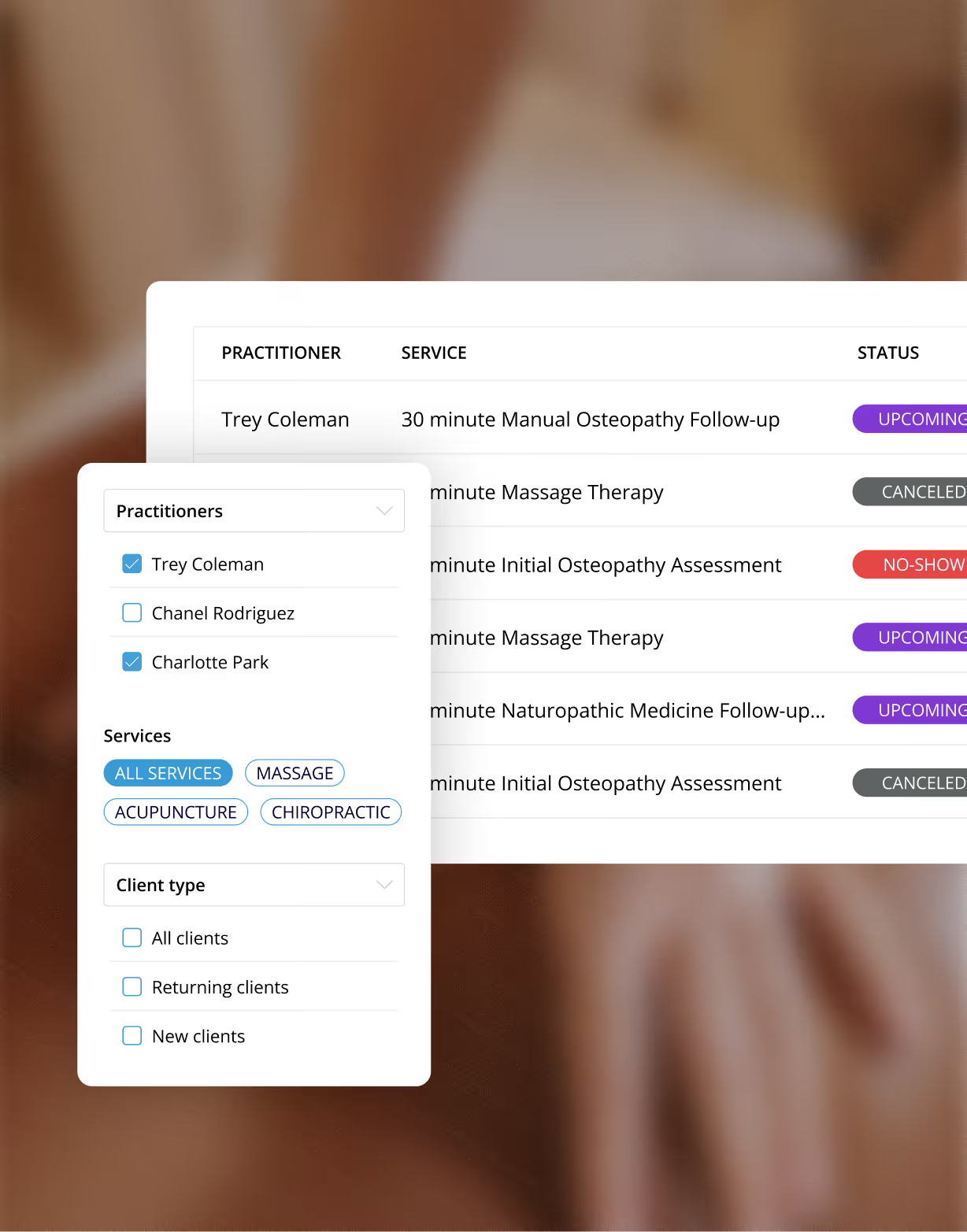
Booking interface showing a list of appointments with practitioners Trey Coleman and Charlotte Park selected, filtering services like massage, acupuncture, and chiropractic, and client type options.
Revenue trends and payment summaries so you know your financial health at a glance.
No-show and cancellation rates over time so you can spot patterns and address them.
Service and practitioner-level data so you know what's driving your business growth.

Does it help you build client loyalty and keep people coming back?

Acquiring a new client costs significantly more than keeping an existing one. The right software doesn't just manage appointments, it actively supports your retention strategy, without adding more to your plate.
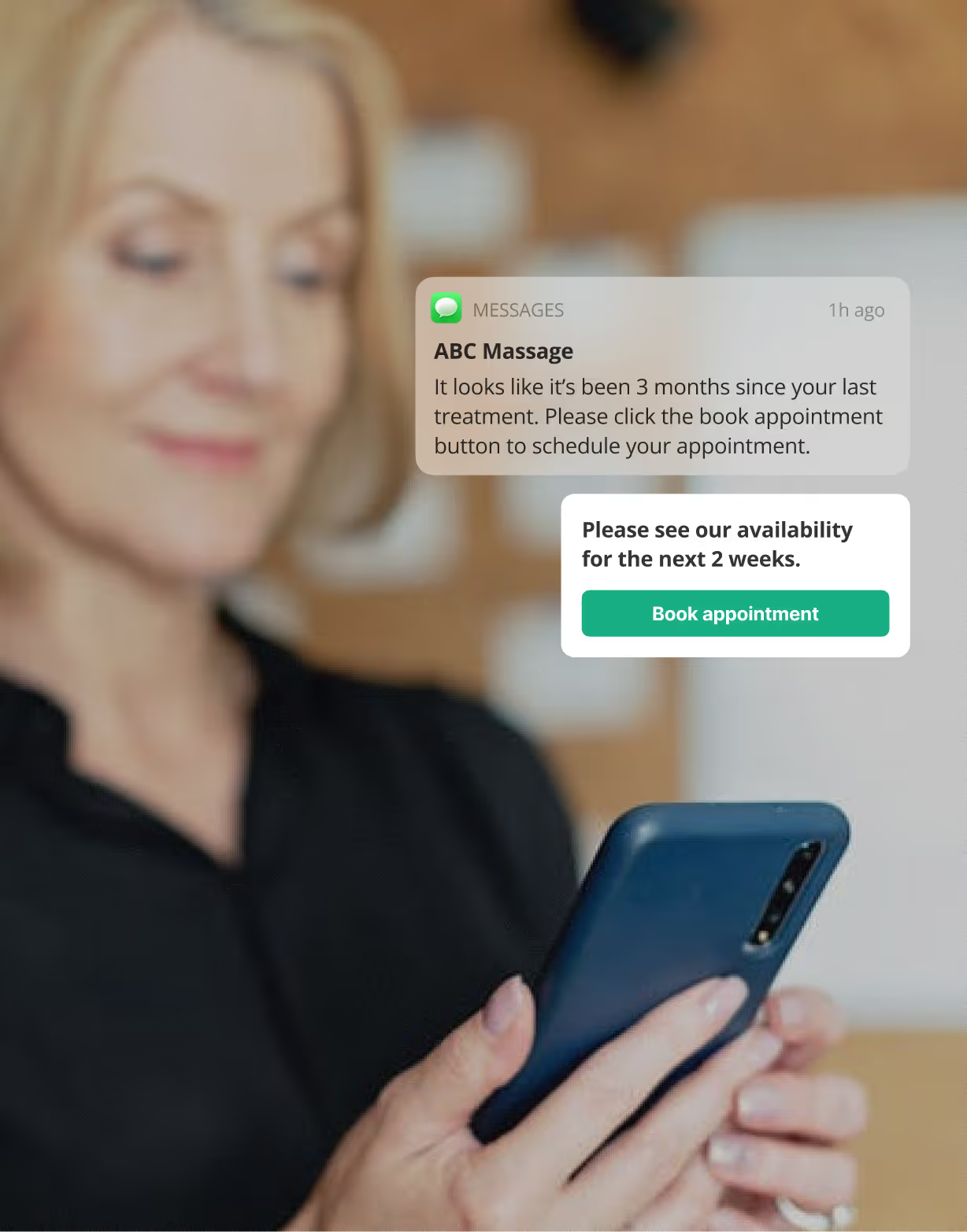
Gift certificates and service packages give clients a reason to commit upfront—and a reason to return.
Automated follow-ups after appointments or periods of inactivity improve rebooking without any manual effort.
Clients who can easily access their booking history and confirmations feel more connected to your practice.
Woman holding a smartphone with notifications about booking massage appointments displayed on the screen.

Can it handle payments without adding another platform to manage?

Every additional platform you're managing is another login, another support number, another thing that can break at an inconvenient moment. Look for software that handles in-person and online payments natively, so your whole business runs in one place.
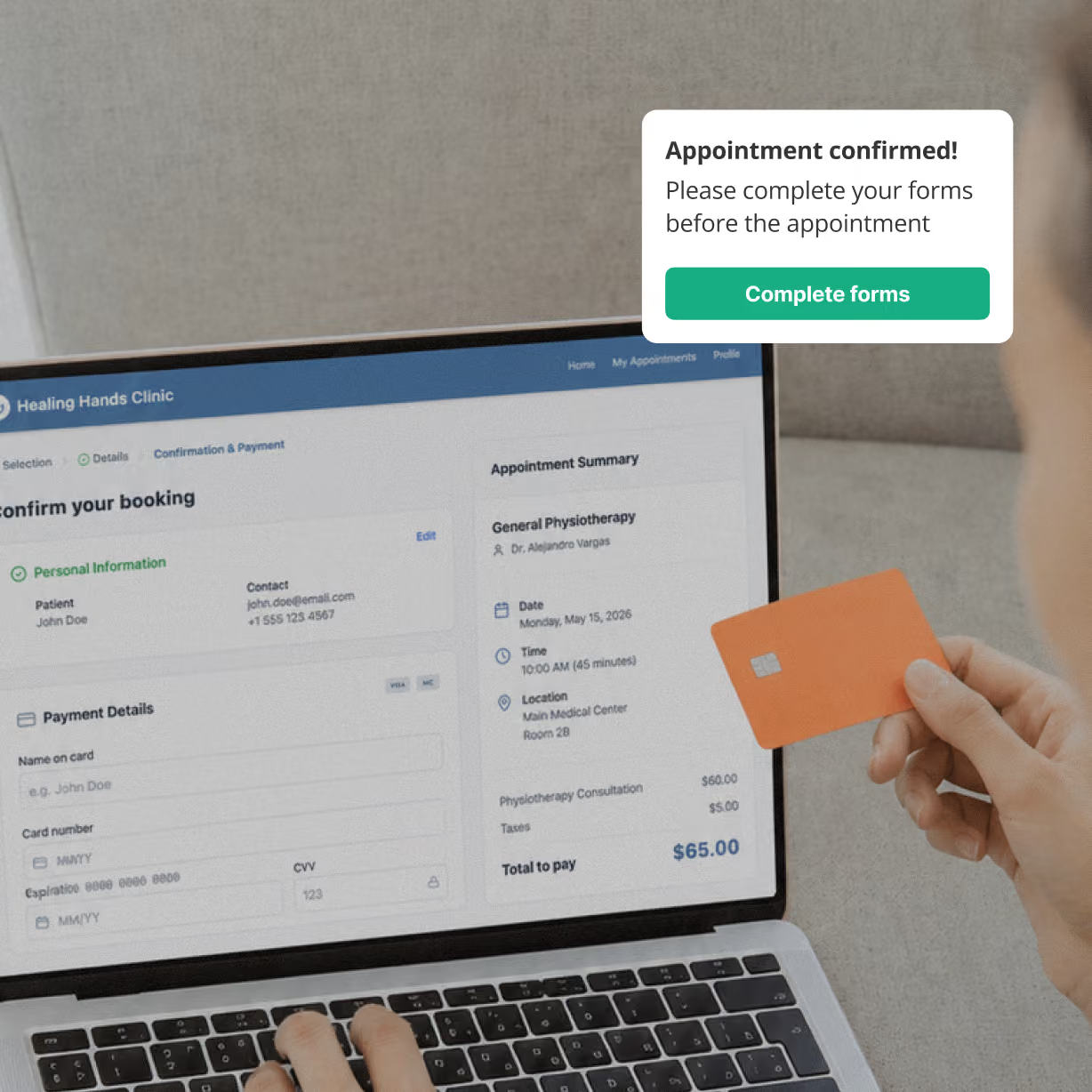
Person holding an orange credit card and entering payment details on a laptop screen for a physiotherapy appointment booking.
In-person terminal support that works seamlessly within the same system as your scheduling, not bolted on separately.
Online payment at the time of booking reduces no-shows and removes the awkwardness of collecting payment after a session.
Invoices, receipts, and payment history all in one place. Your accountant will thank you.
do your homework

Don't just take their word for it

Every platform looks exceptional on its own website. Spend 15 minutes reading what real users say on independent review platforms before you commit. Here's how to get the most signal out of it.

Green flags in reviews
Reviewers mention support staff by name (teams called out personally tend to be genuinely good)
Complaints about missing features instead of broken ones can reveal a stable, reliable core
Negative reviews get thoughtful responses from the company (this shows they're paying attention)
Long-tenure reviewers (3–5 years) who are still happy is the strongest signal of all
Red flags in reviews
Multiple reviewers mentioning surprise charges, frequent price increases, or confusing billing
Support complaints with no response from the team
Lots of 5-star reviews with minimal detail (this can be a sign they're incentivized, not organic)
Data loss or security issues mentioned more than once is a critical concern for practices
The bigger picture

Software is only part of what you're choosing

Features and pricing matter, but when you pick a software, you're also choosing who's in your corner when something goes wrong, what resources are available to help you grow, and whether you'll be navigating it all on your own.
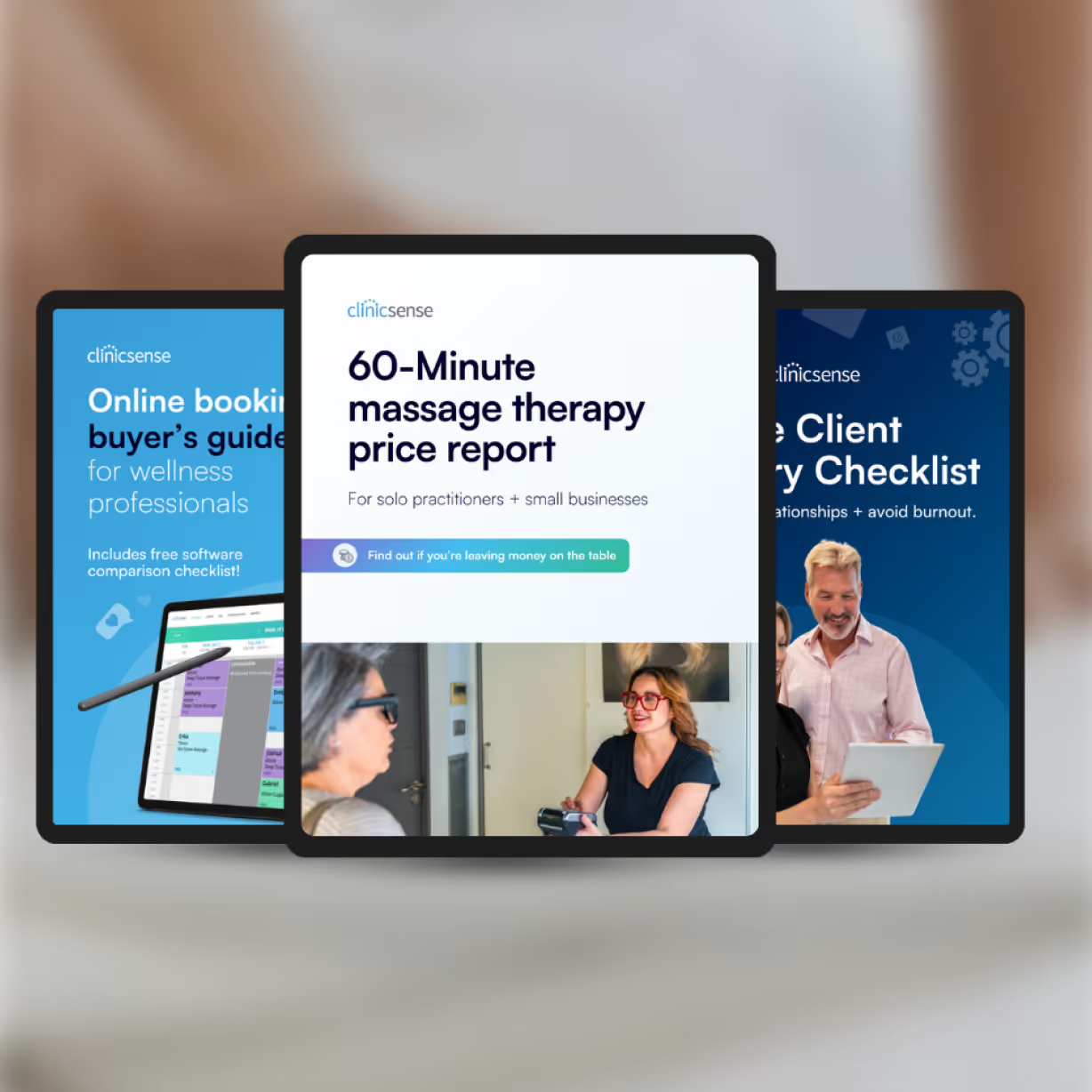
Find your fit

What kind of practice are you running?

Tell us about your business and we'll tell you what to prioritize in your search.
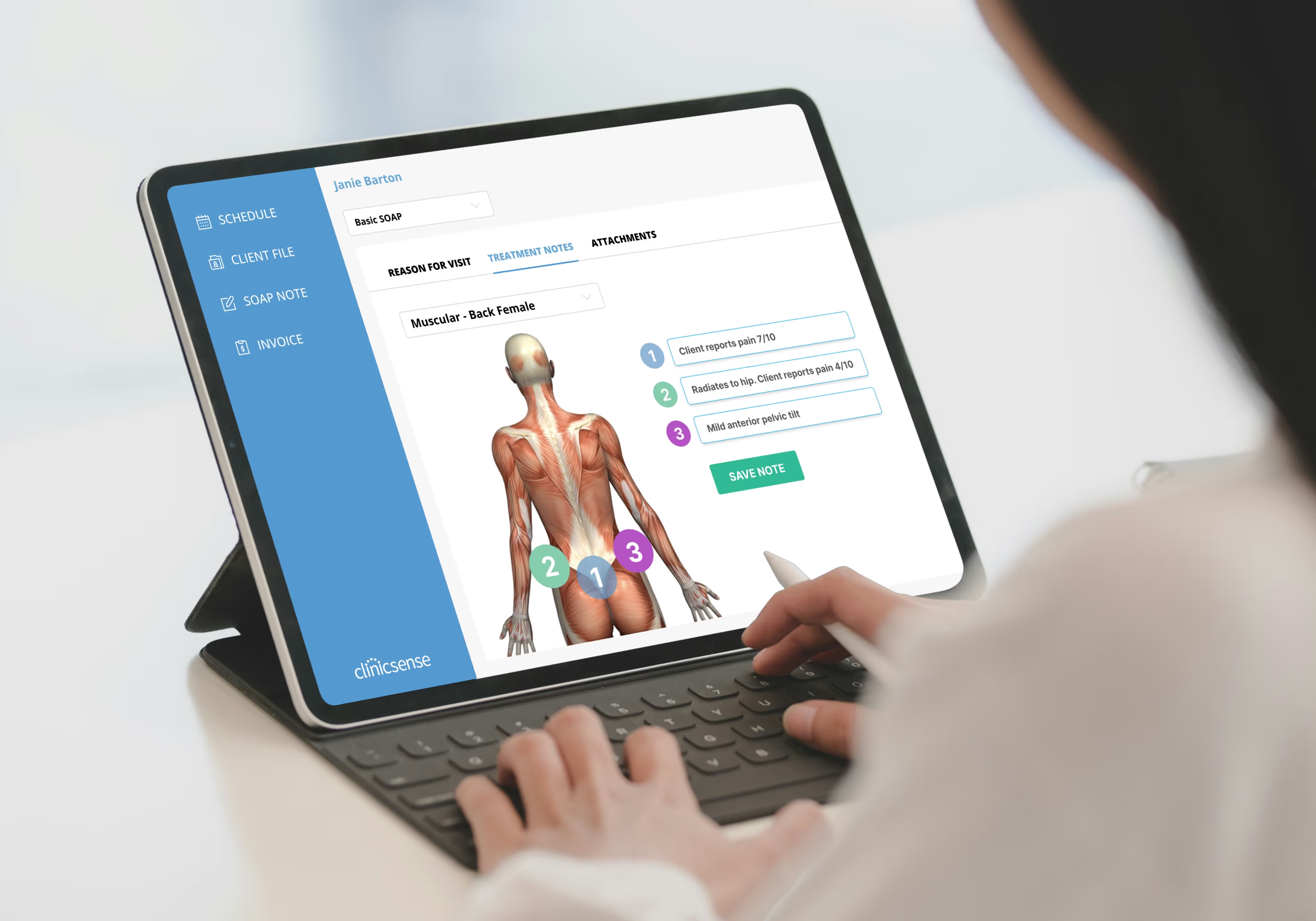
Person using a tablet with a clinical software displaying muscular anatomy of a female back and treatment notes for pain assessment.
Thinking about switching?

Migration is where a lot of practitioners get stuck. It doesn't have to be.

Switching platforms is often the right call, but the process can feel daunting. Your client records, SOAP notes, and appointment history represent years of work, so you'll want to look for a platform that makes switching easy.

Fast: a job done in days, not weeks means minimal disruption to your practice
Supported: assistance from a real person—not just a help article and a spreadsheet template
Complete: everything you need comes with you, from client profiles and appointment history to treatment notes and intake forms
Why ClinicSense?

Okay, we'll admit it—we're a little biased.

But we think the best way to find out if ClinicSense is right for you is to try it yourself.
Enjoy 14 days of the full product, no credit card required.

Built for health & wellness

Not a generic platform adapted for you but purpose-built for how practitioners actually work.

Clinical notes in every plan

SOAP notes and digital intake forms are core features, included at every pricing tier, not as premium add-ons.

Pricing that stays fair as you grow

Flat-rate pricing means you can bring on practitioners without watching your software bill climb.

Support that actually supports you

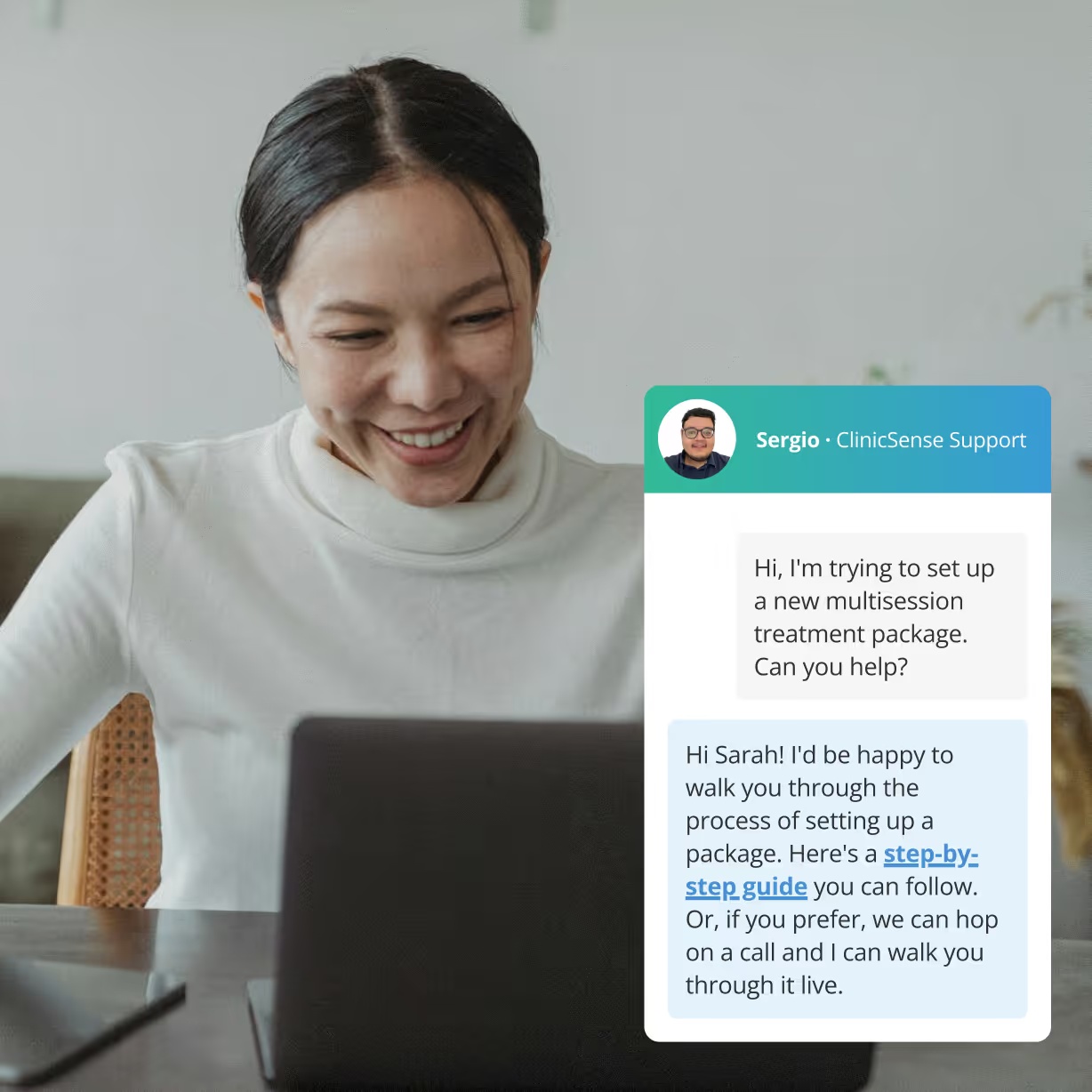
Our support team is made up of real people who know the industry and genuinely want to help you succeed. It's one of the top reasons customers say they love ClinicSense.

Free migration, handled by us

We make switching to ClinicSense easy. We move your data, configure your account, and get you set up and ready to go, usually in less than a week, and always at no cost.

30-day free trial, no credit card

Try before you buy. Explore the full product free for 14 days to see if it's right for your practice. No commitment, no catch.

Happy clinic manager with patient
8,500+

wellness professionals trust ClinicSense to help them save time and provide better care

99%

average Customer Satisfaction Score for support

>31M

appointments booked with ClinicSense

Find out if ClinicSense is right for you.

Enjoy a 14-day free trial. All features unlocked, no credit card required.