
Massage Therapy Business Tips
Tips For Outsourcing Reception As A Massage Clinic Owner
Running a massage therapy practice means juggling two jobs at once: caring for clients and managing the business side of things. Between answering phone calls, scheduling appointments, sending reminders, handling payments, and keeping client records up to date, the admin work piles up fast.
If you've ever stayed late just to catch up on paperwork, you're not alone. Many therapists spend hours each week on tasks that pull them away from client care, and from their personal lives. The good news? You have options. You can hire an in-person receptionist, work with a virtual assistant, or use practice management software to automate the administrative side of your practice.
Let's walk through each approach so you can decide which one fits your practice best.
TL;DR: Massage therapists can outsource reception by hiring in-person help, using a virtual assistant, or automating with practice management software. Each option has trade-offs in cost, control, and time savings. In-person staff cost the most. Virtual assistants save money but need training. Software like ClinicSense handles booking, reminders, and payments automatically, often removing the need for a receptionist altogether.
What Does A Receptionist Actually Do?
Before you can outsource reception, it helps to understand what the job involves. In a typical massage therapy practice, reception tasks include:
- Answering phone calls and responding to inquiries
- Booking, confirming, and rescheduling appointments
- Sending appointment reminders
- Checking clients in when they arrive
- Collecting payments and generating receipts
- Managing intake forms and client records
- Following up with clients who haven't visited in a while
That's a lot to handle. Especially when you're also the one providing the massages. Now, let's look at your options for getting this work off your plate.
Option 1: Hire An In-Person Receptionist
The traditional approach is to hire someone to work at your front desk. An in-person receptionist greets clients, answers the phone, and handles admin tasks while you're in session.
Pros Of An In-Person Receptionist
- Face-to-face client interaction. A friendly receptionist creates a welcoming atmosphere the moment clients walk in.
- Immediate problem-solving. When something comes up—a scheduling conflict, a payment issue—your receptionist can handle it on the spot.
- Dedicated support. You have someone whose entire job is to keep the front desk running smoothly.
Cons Of An In-Person Receptionist
- Higher costs. Salaries, benefits, payroll taxes, and training add up quickly. Even a part-time receptionist can cost several thousand dollars a month.
- Limited availability. Unless you hire multiple people, your receptionist can only cover set hours. After-hours calls and booking requests go unanswered.
- Management time. Hiring, training, and supervising staff takes time you might not have.
For a busy multi-practitioner clinic, an in-person receptionist can be worth the investment. But for a solo therapist or small practice, the cost may be hard to justify.
Option 2: Work With A Virtual Assistant
A virtual assistant (VA) is a remote worker who handles administrative tasks from their own location. Many VAs specialize in small business support and can take on tasks like phone answering, scheduling, invoicing, and even social media management.
Why VAs Can Be Cost-Effective
Virtual assistants often work as independent contractors, which means you don't pay for benefits, office space, or equipment. Many VAs are based in regions with lower costs of living, so their hourly rates may be significantly less than hiring locally. You typically pay only for the hours worked, making it easier to scale support up or down as your practice needs change.
How A VA Can Help Your Practice
A virtual assistant can handle many of the same tasks as an in-person receptionist:
- Answer calls and respond to client messages
- Schedule and confirm appointments
- Send invoices and process payments
- Help with marketing tasks like email newsletters or social media posts
Things To Consider
Working with a VA does come with trade-offs:
- Access to your systems. Your VA will need login credentials to your scheduling, payment, and client management tools. You're trusting someone you've likely never met with sensitive business and client information.
- Time zone differences. If your VA is overseas, real-time communication may be tricky.
- Training and oversight. You'll still need to onboard your VA and check their work, especially at first.
- No in-person presence. A VA can't greet clients at the door or handle walk-in inquiries.
For therapists who want human support without the full cost of an employee, a VA can be a smart middle ground. But there's another option that may cover even more of your needs—without adding anyone to your payroll.
Option 3: Automate Reception With Practice Management Software
What if you could handle most reception tasks without hiring anyone at all?
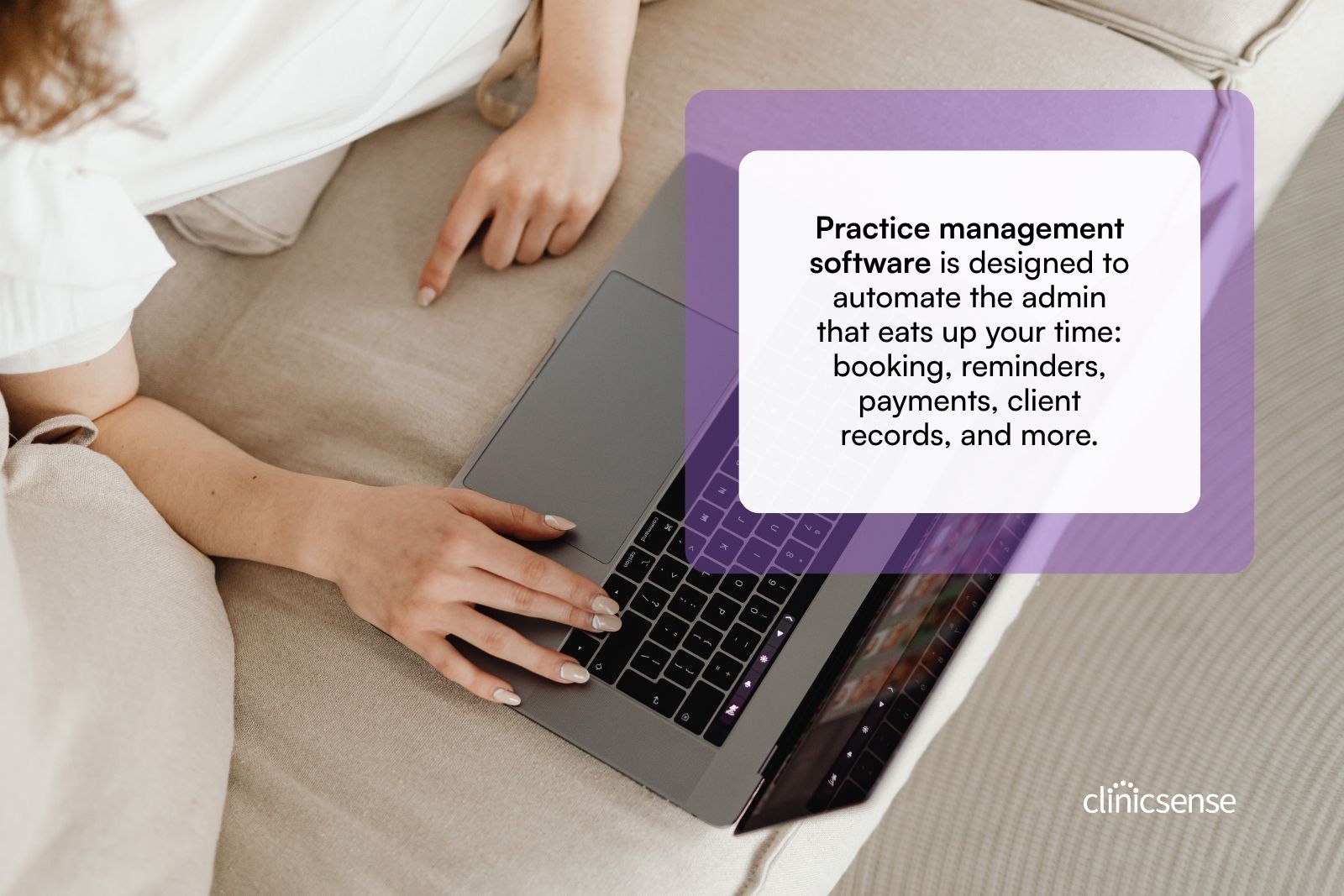
Practice management software is designed to automate the administrative work that eats up your time: booking, reminders, payments, client records, and more. Instead of relying on a person to manage these tasks, the software runs in the background while you focus on your clients.
What Practice Management Software Can Do
Here's how the right software handles the core reception tasks:
Online booking. Clients book their own appointments through a booking page you share on your website, social media, or via direct link. The appointment auto-adds to your calendar, and clients receive a confirmation email with their appointment details and a link to complete intake forms before they arrive.
Automatic reminders. As the appointment approaches, the software sends reminders by email or text. This alone can dramatically reduce no-shows. (For more strategies, grab the free No-Show Prevention Playbook.)
Payment collection. Integrated payment processing lets clients pay online or at checkout. Invoices and receipts are generated automatically, and your numbers flow into a reporting dashboard so you can track revenue without manual data entry.
Client records and SOAP notes. Keep all your client information in one place—contact details, intake forms, treatment history, and notes. Customizable SOAP note templates let you document sessions in a few clicks. Some platforms even offer voice-powered treatment notes: just record, review, and save instead of typing.
Client re-engagement. Software can send wellness check-ins to clients you haven't seen in a while, along with availability summaries that make it easy for them to book their next session.
Built-in marketing. Email newsletters, automated Google Reviews requests, and client referral programs help you grow your practice without hiring a marketer.
What About The Human Touch?
You might be thinking: "But software can't replace the warmth of a real person." That's true. Technology won't greet clients at the door or make small talk while they wait.
But here's the thing: when you're running a solo or small practice, you are the human touch. You're already greeting clients, building relationships, and creating a welcoming environment. The reception tasks that software handles (scheduling, reminders, payments, record-keeping) aren't the parts of the job that require a human connection. They're the parts that slow you down.
By automating those tasks, you free yourself to be more present with clients, not less.
Do You Even Need a Receptionist?
Let's step back and ask the real question: what problem are you trying to solve?
If your main challenge is the time you spend on admin work - staying late to send invoices, playing phone tag to confirm appointments, scrambling to update client records - then a receptionist (in-person or virtual) is one way to solve it.
But another way is to eliminate the work altogether.
With an all-in-one platform like ClinicSense, the reception tasks don't just get handed off to someone else. They get automated. Online booking means clients schedule themselves. Automatic reminders mean you're not chasing confirmations. Integrated payments mean invoices go out without you lifting a finger.
The result? ClinicSense customers report spending 72% less time on admin, especially those switching from pen and paper. And it's not just about hours saved. 86% of customers say they feel less stressed (an average of 32% less stressed, according to customer surveys).
ClinicSense has been rated #1 for ease of use six years running, with a 99% customer satisfaction score. For many massage therapists, that combination of simplicity and automation means they no longer need a receptionist at all, because the software does the job.
If you're just getting started, the Massage Business Setup Checklist walks you through building a practice that runs smoothly from day one.

.avif)


Frequently Asked Questions
How much does it cost to hire a receptionist for a massage therapy practice?

What is a virtual assistant, and how can one help a massage therapist?
Should I use software instead of hiring reception help?
How do I keep client data safe when outsourcing reception tasks?
How can I reduce no-shows without adding reception staff?
What tasks can practice management software actually automate?

Beth is a freelance writer, wellness advocate and neuromuscular therapist. She has been writing content for ClinicSense for 7 years, and before that, worked as a massage therapist for over 17 years. Beth takes a data-driven yet human approach to her work.
Relevant articles
.avif)
A better way to run your practice.

Start your 14-day free trial today.
