
Software
Digital SOAP Notes For Clinic Owners: A Complete Decision Guide
Paper files worked fine when your practice was smaller. But as your client list grows and your schedule fills up, those filing cabinets start to feel like anchors, slowing you down at the end of every day and making simple tasks like finding a note from six months ago surprisingly frustrating.
Digital SOAP notes solve these problems by moving your clinical documentation into a secure, searchable system that connects to your scheduling, intake forms, and billing. This guide walks you through what digital SOAP notes actually are, how they compare to paper, and how to decide if making the switch makes sense for your clinic.
TL;DR: Digital SOAP notes replace paper charting with a secure, searchable system that connects to scheduling, intake forms, and billing. They speed up documentation, protect against data loss, and support HIPAA/PIPEDA compliance. Most clinics benefit from switching once storage, searchability, or team growth start slowing down daily charting.
What Are Digital SOAP Notes
If you're wondering whether digital SOAP notes are worth the switch, here's the short answer: for clinic owners looking to scale efficiently and protect their practice, they're becoming essential. 91% of office-based physicians already use certified EHR systems. Digital SOAP notes are simply electronic versions of the same structured treatment records you've always used, stored and managed through software instead of paper files.
You're documenting the same clinical information you always have. The difference is that now it lives in a secure cloud system that connects to your scheduling, intake forms, and billing. For massage therapists, chiropractors, acupuncturists, and other allied health practitioners, this shift typically means faster charting, easier retrieval, and cleaner records that look professional when shared with insurance companies or referring physicians.
What Does SOAP Stand For In Clinical Documentation
SOAP is an acronym for the four sections of a clinical treatment note. Each section captures a different type of information, and together they create a complete picture of the client encounter. Let's break down what belongs in each one.
Subjective
This is what the client tells you in their own words, their symptoms, concerns, pain levels, and goals for the session. Think of it as their story, captured exactly as they describe it.
Objective
Here you record what you observe and measure during your assessment. Range of motion, posture, palpation findings, visible conditions, anything you can see, feel, or measure goes in this section.
Assessment
This is your clinical interpretation. You're connecting the dots between what the client reported and what you observed to form a professional opinion about their condition.
Plan
Finally, you document the treatment plan, home care recommendations, and goals for future sessions. This section maps out what happens next.
Are SOAP Notes Required By Law
Requirements vary depending on where you practice, your profession, and your insurance arrangements. While SOAP notes aren't always legally mandated for massage therapists in every state or province, they're widely considered best practice across the allied health field.
Insurance companies typically require detailed clinical documentation to process claims. Professional associations often include documentation standards in their codes of ethics. And if you ever face a liability claim, thorough SOAP notes become your primary defence.
Even when not strictly required, consistent documentation protects you and signals professionalism to clients, insurers, and other healthcare providers.
Digital SOAP Notes vs Paper SOAP Notes
Wondering how the two approaches compare in practice? Here's a side-by-side look at the key differences.
Signs Your Clinic Needs Digital SOAP Notes
Not sure if it's time to make the switch? Here are some warning signs that paper charting might be holding your practice back:
- Running out of physical storage space: Filing cabinets are overflowing, and you're running out of room for new client files.
- Difficulty locating client records: You're spending valuable time searching through folders before appointments.
- Too much end-of-day admin: Charting is eating into your personal time, and you're staying late to finish notes.
- Insurance documentation struggles: Claims are getting denied or delayed. 41% of providers face 10%+ denial rates, often because of incomplete or hard-to-read records.
- Growing team with shared clients: Multiple practitioners are treating the same clients, and paper files create bottlenecks.
If any of these sound familiar, digital SOAP notes can help you reclaim time and reduce daily frustration.
Benefits Of Digital SOAP Notes For Clinic Owners
The investment in digital charting pays off in several practical ways. Let's look at the specific advantages you'll likely notice.
Faster Charting And Less Admin Time
Point-and-click templates let you document findings in a few clicks instead of writing everything out. You can duplicate previous notes and update only what's changed. Some systems also offer voice-to-text features, so you can swap typing for talking.
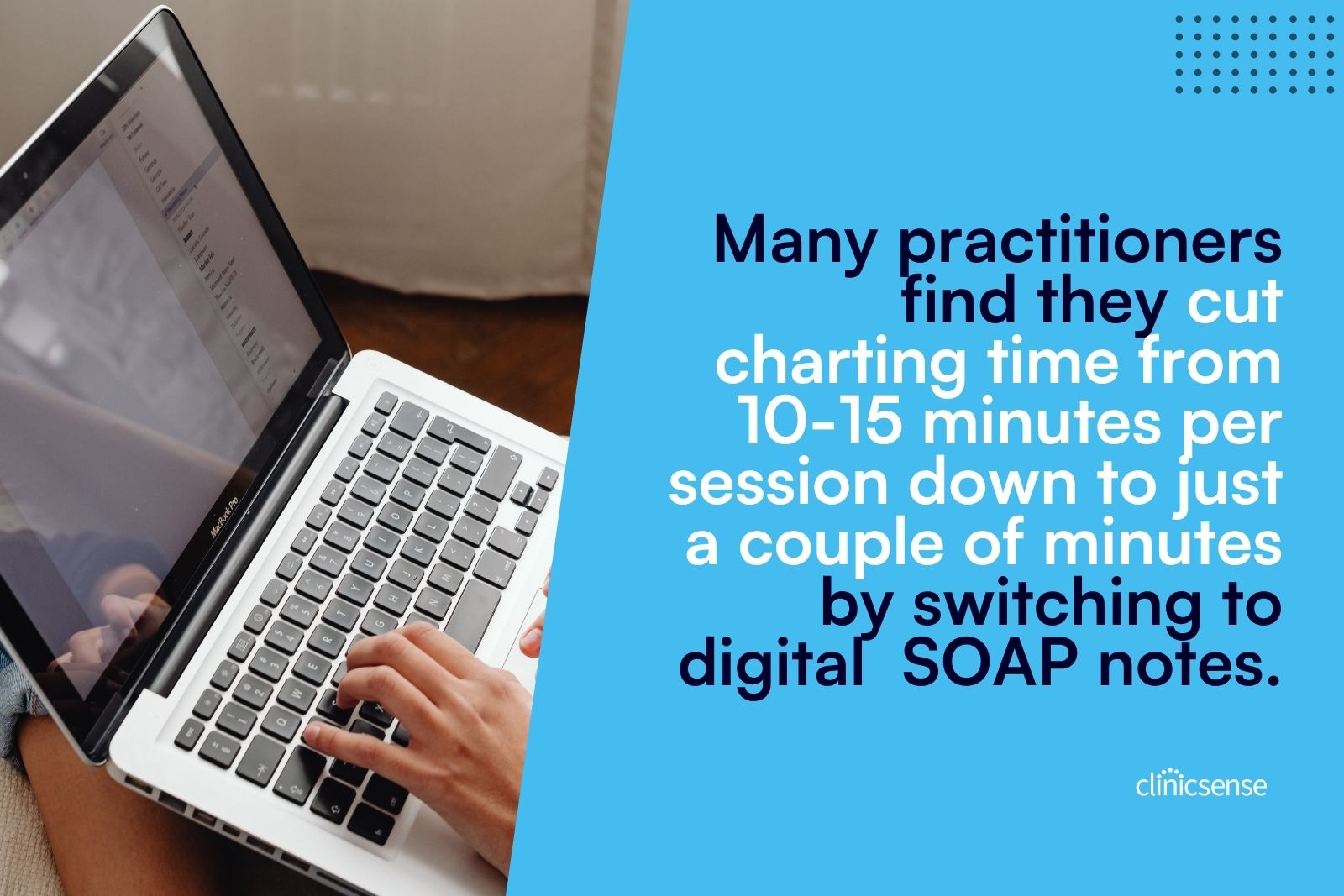
Many practitioners find they cut charting time from 10-15 minutes per session down to just a couple of minutes. That's time you get back at the end of every day.
Secure Paperless Storage
Going digital means you can eliminate filing cabinets entirely. Everything lives in the cloud with automatic backup, so you don't have to worry about losing records to fire, flood, or theft. And when you need to find a note from three years ago? A quick search pulls it up instantly.
Professional Documentation For Insurers And Referrals
Clean, consistent formatting makes your records look polished when you share them with physicians, lawyers, or insurance companies. This professionalism can make the difference between a smooth claim process and a frustrating back-and-forth.
Shared Access For Multi-Practitioner Teams
When multiple practitioners treat the same client, everyone benefits from access to the treatment history. Digital systems let your team view and update records with appropriate permission controls, keeping sensitive information protected while improving continuity of care.
Better Client Continuity Between Sessions
Reviewing previous sessions takes seconds, not minutes. You can track progress over time, spot patterns, and provide more personalized care because the information is right at your fingertips.
Challenges Of Switching To Digital SOAP Notes
Let's be honest, any transition takes some effort. Here's what to expect:
- Learning curve: New software takes time to master, even when it's designed to be intuitive.
- Initial time investment: Setting up templates and customizing your workflow requires upfront effort.
- Staff training: Getting your whole team comfortable with the new system takes patience.
- Migration decisions: You'll need to decide what to digitize versus archive in paper form.
Don't worry, most practitioners find the transition smoother than expected, especially with good onboarding support. The short-term adjustment leads to long-term time savings.
Are Digital SOAP Notes HIPAA Compliant
Digital systems can absolutely be HIPAA and PIPEDA compliant, but not all software is created equal, with penalties reaching over $2 million per violation. When evaluating options, look for these security features:
- Encryption: Data is encrypted both at rest and in transit.
- Secure login: Strong authentication protects against unauthorized access.
- Audit trails: The system tracks who accessed which records and when.
- Third-party security monitoring: Independent verification adds an extra layer of protection.
When comparing software, ask specifically about compliance certifications and security practices.
How Digital SOAP Notes Support Insurance Billing
Detailed, consistent clinical notes help justify treatments and reduce claim denials. When your documentation clearly connects the subjective complaint to your objective findings, assessment, and treatment plan, insurers can see the medical necessity of your services.
Digital systems also make it easier to pull records when audits happen. Instead of digging through filing cabinets, you can generate reports and export documentation in minutes. Some practice management platforms even offer direct insurance billing integrations, so your charting flows seamlessly into the claims process.
.jpg)
Features To Look For In Digital SOAP Note Software
Not all charting software offers the same capabilities. Here's what to prioritize when evaluating your options.
Customizable Templates
Look for systems that let you create and save your own SOAP note templates for different services and client types. Templates that match your actual workflow save significant time.
Voice-To-Text Charting
Dictating treatment notes instead of typing can dramatically speed up documentation, especially when you're charting between back-to-back appointments.
Automated Intake And Consent Forms
Automated intake forms that send to clients based on the service booked, and whether they're new or returning, reduce manual work and help you collect the right information every time.
Secure Cloud Storage
HIPAA/PIPEDA compliant storage with encryption and automatic backup protects your records and gives you peace of mind.
Practitioner Permissions And Access Controls
Granular control over which staff can access sensitive client records and financial information becomes essential as your team grows.
Integrations With Scheduling And Billing
All-in-one systems that connect charting to online booking, payment processing, and reporting eliminate the need to jump between multiple platforms.
Tip: When comparing software options, take advantage of free trials to test the actual charting experience. The best features on paper don't matter if the system feels clunky in practice.
Common SOAP Note Mistakes To Avoid
Even with great software, documentation quality depends on good habits. Watch out for these common pitfalls:
- Using vague language: Be specific about location, intensity, and findings. "Shoulder pain" tells you less than "sharp pain in the right anterior deltoid, rated 6/10." (If you work in PT, see these tips for writing physical therapy SOAP notes.)
- Waiting too long to document: Write notes immediately after sessions while details are fresh.
- Inconsistent abbreviations: Stick to standard clinical abbreviations that other healthcare providers will understand.
- Copy-pasting without updating: Each note reflects that specific session, not just a repeat of the previous one.
- Incomplete information: Include all four SOAP components every time, even when a section seems brief.
How To Switch From Paper To Digital SOAP Notes
Ready to make the move? Let's walk through the transition step by step.
1. Audit Your Current Charting Workflow
Start by assessing what's working, what's not, and what features you actually need from a digital system. Consider how many practitioners need access, what types of services you offer, and whether you need insurance billing capabilities.
2. Choose the Right Software For Your Clinic
Compare clinic management software options based on ease of use, the specific features you need, quality customer support, and free trial availability. Read reviews from practitioners in your field, and pay attention to comments about the learning curve and support responsiveness.
3. Migrate And Digitize Existing Records
Decide what to digitize versus archive in paper form. Many clinics take a gradual approach, digitizing active client files first while keeping older records in storage. You don't have to scan everything on day one.
4. Train Your Team And Roll Out
Use onboarding resources, set clear expectations, and consider starting with new clients first. This approach lets your team build confidence before tackling the full client roster.
Making The Move To Digital SOAP Notes With ClinicSense
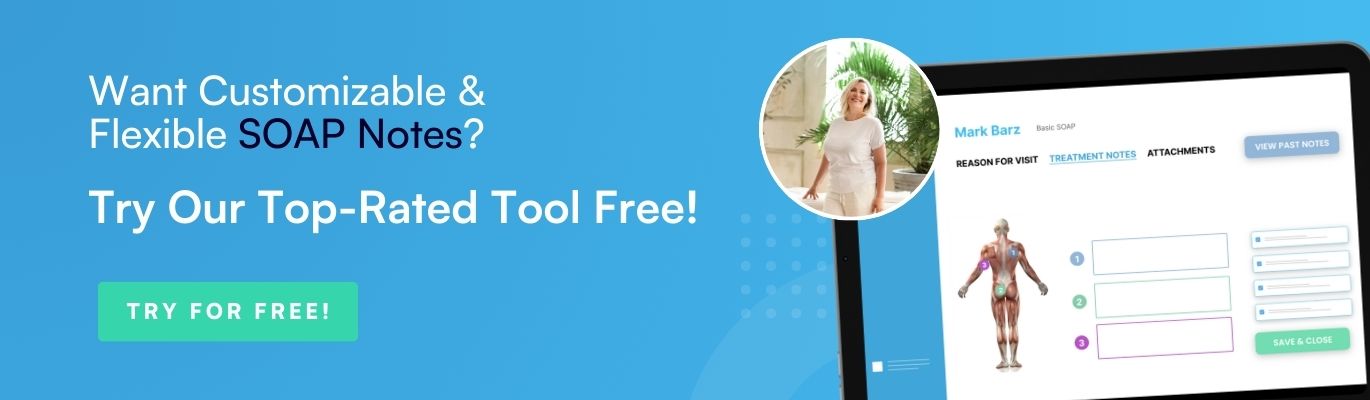
ClinicSense offers digital SOAP notes designed specifically for massage therapists and allied health practitioners. The platform includes customizable templates, voice-powered treatment notes, and automated intake forms that send to clients based on the service they've booked.
Key features include:
- Point-and-click charting for faster documentation
- Voice-to-text treatment notes so you can swap typing for talking
- Customizable templates you can edit and save for different services
- HIPAA and PIPEDA compliance with third-party security monitoring
- Practitioner permissions so clinic owners control who sees what
ClinicSense has been rated #1 for ease of use for six consecutive years, and the support team maintains a 99% customer satisfaction score. You can try all features free for 14 days with no credit card required. Get started here!
.avif)

Frequently Asked Questions
Can ChatGPT Write SOAP Notes?

How long should clinic owners keep SOAP notes on file?
Can clients request access to their SOAP notes?
Do massage therapists need to write a SOAP note for every session?

ClinicSense Content Studio develops educational resources for health and wellness professionals who want to run stronger, more sustainable businesses. We focus on clear, trustworthy guidance across marketing, operations, client experience, and practice growth.


A better way to run your practice.

Start your 14-day free trial today.
